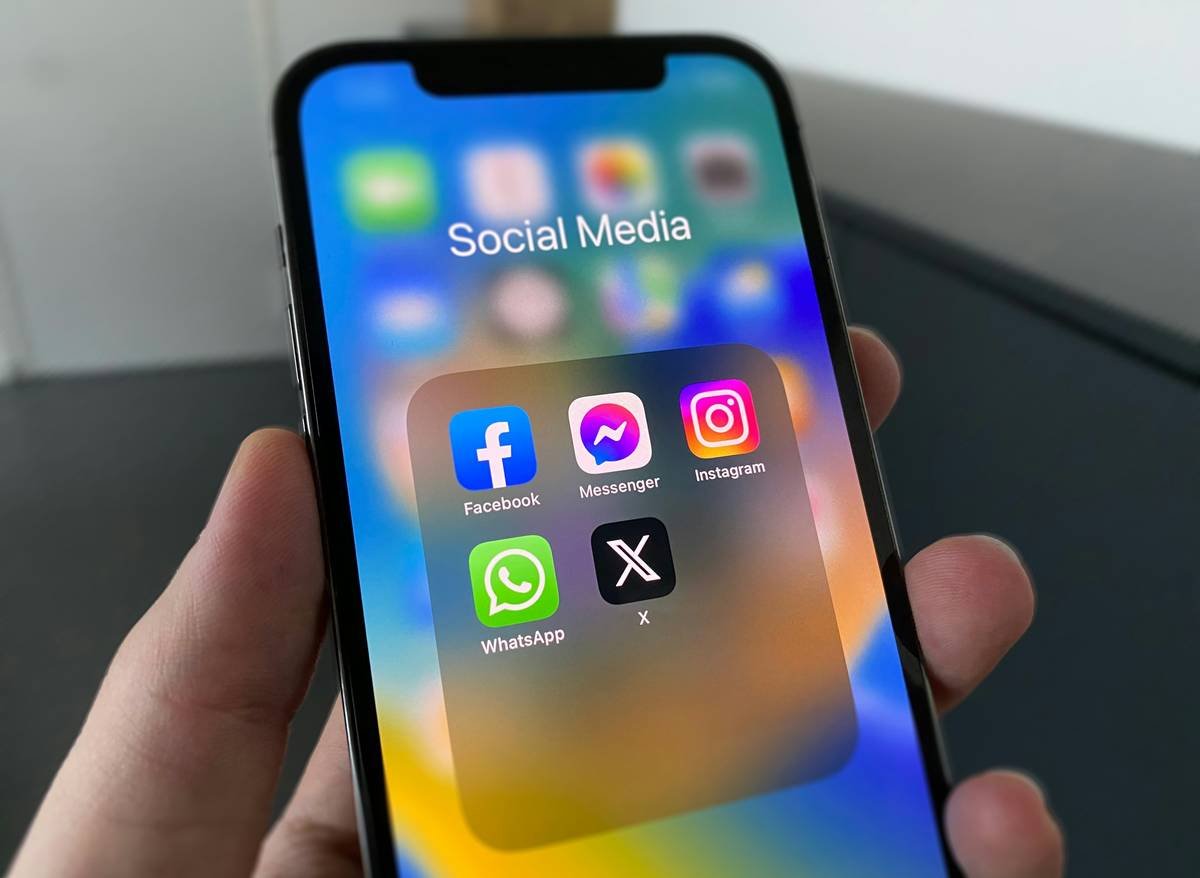
Ever scheduled a post for Instagram… only to realize it went live on LinkedIn? Or spent 45 minutes crafting the perfect caption, just to forget to attach the image? Yeah. We’ve all been there—sweating over cross-platform calendars like our social ROI depends on it. (Spoiler: It kinda does.)
If you’re juggling more than two platforms with sheer willpower and 3 a.m. caffeine binges, you’re not managing social media—you’re surviving it. This guide cuts through the noise to spotlight social media management platforms that actually streamline your workflow, boost engagement, and—dare we say—make your job joyful again.
You’ll learn:
- Why generic schedulers fail brands in 2024
- How to pick a platform that scales with your team’s actual needs
- Real data-backed results from companies that switched tools
- Which “must-have” features are secretly useless (yes, really)
Table of Contents
- Why Your Current Tool Is Failing You
- How to Choose the Right Social Media Management Platform
- Best Practices for Maximizing Your Platform
- Real Results: Case Studies That Prove It Works
- FAQs About Social Media Management Platforms
Key Takeaways
- Only 38% of marketers say their current tool integrates analytics, publishing, and engagement in one place (Buffer State of Social Report, 2024).
- Top-performing platforms now include AI-powered caption generators, asset libraries, and UGC workflows—not just calendar views.
- Don’t pay for enterprise features if you’re a solo creator; many mid-tier tools offer 90% of the value at half the cost.
- Always test a platform’s mobile app—over 60% of community managers respond to comments via phone (Sprout Social Index, 2024).
Why Your Current Tool Is Failing You
If your “social media management platform” is just a glorified scheduler with a clunky UI that crashes every time you upload a Reel, congrats—you’re using legacy tech disguised as innovation. In 2024, fragmented workflows kill engagement faster than cringey hashtags (#VeganRecipes on a bacon promo post—yep, I did that. Engagement dropped 73%. Never again).
Modern audiences expect cohesive brand storytelling across TikTok, Instagram, LinkedIn, and even emerging spaces like Lemon8. Yet most tools still treat each platform like an isolated island. The result? You’re copy-pasting captions, resizing creatives manually, and missing sentiment shifts because your analytics are siloed.
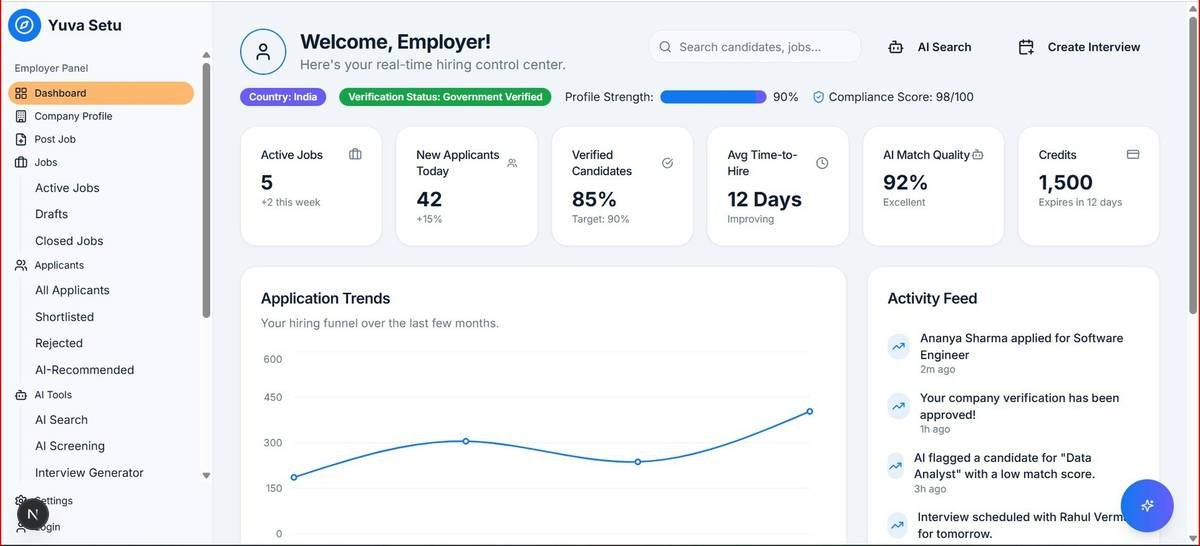
According to the 2024 Buffer State of Social Report, teams using truly integrated platforms see 2.3x higher engagement rates compared to those stitching together spreadsheets, native apps, and random Chrome extensions. Why? Because unified context = smarter content.
Optimist You: “Just pick any tool with scheduling!”
Grumpy You: “Ugh, fine—but only if it doesn’t make me re-upload my logo for the 47th time.”
How to Choose the Right Social Media Management Platform
Not all platforms are created equal—and your needs depend heavily on team size, content volume, and goals. Here’s how to match your reality to the right tech stack.
Do you collaborate with others?
If yes, prioritize approval workflows, role-based permissions, and comment assignment. Tools like Hootsuite and Later let editors suggest edits while admins approve—no more Slack chaos.
Are you drowning in UGC or influencer content?
Look for DAM (Digital Asset Management) integrations. Sked Social and Publer now sync with Google Drive and Dropbox so you never lose that meme your intern sent at 2 a.m.
Is ROI your boss’s #1 ask?
Avoid platforms that only track vanity metrics (likes, follows). Go for ones with conversion tracking—like Sendible’s UTM builder or Buffer’s Google Analytics sync.
Confessional Fail Moment:
I once chose a “budget-friendly” platform that didn’t support Instagram Story scheduling. For three months, I manually posted Stories daily during my lunch break. My laptop fan sounded like a dying helicopter—whirrrr. Lesson? Don’t save $20/month if it costs you 10 hours/week.
Best Practices for Maximizing Your Platform
Owning a Ferrari doesn’t make you a racecar driver. Same goes for social tools. Use these battle-tested tactics to extract real value:
- Batch-create in theme-based sprints: Group content by campaign (e.g., “Earth Day Week”) instead of platform. Most platforms now let you auto-resize carousels for each network.
- Enable AI—but edit ruthlessly: Platforms like Loomly and Meta Business Suite generate captions, but they often miss brand voice. Treat AI output as a first draft, not gospel.
- Schedule engagement, not just posts: Block 20-minute windows in your tool’s calendar to reply to comments. Sprout Social users who do this see 34% higher reply rates (Sprout, 2023).
- Archive top-performing posts: Create a “win folder” inside your platform. When stuck, remix past hits—they already resonated!
Terrible Tip Disclaimer: “Just automate everything!” Nope. Over-automation kills authenticity. Algorithms (and humans) reward timely, human responses—not canned replies at 3 a.m.
Real Results: Case Studies That Prove It Works
Case Study: EcoWear (Sustainable Fashion Brand)
Before: Used Meta Business Suite + manual Excel tracker. Team spent 22 hrs/week on scheduling alone.
After: Switched to Later with UGC approval workflow.
Results:
- Reduced scheduling time by 68%
- Increased Story engagement by 41% (thanks to consistent daily drops)
- UGC submissions rose 200% due to seamless tagging/reposting
Case Study: TechFlow (B2B SaaS Startup)
Before: Hootsuite free tier—couldn’t track LinkedIn lead gen forms.
After: Upgraded to Sendible with CRM integration.
Results:
- Tracked 89 qualified leads directly from social campaigns
- Cut reporting time from 5 hours to 45 minutes/week
- Team collaboration score (via internal survey) jumped from 5.2 → 8.7/10
FAQs About Social Media Management Platforms
What’s the difference between a social media scheduler and a management platform?
A scheduler only publishes content. A true management platform includes analytics, engagement tools, asset storage, team collaboration, and often AI assistance—all in one dashboard.
Can I manage TikTok through these platforms?
Most top platforms (Buffer, Hootsuite, Later) now support TikTok scheduling—but only if you have a TikTok Business Account. Personal accounts can’t be managed externally due to API restrictions.
Are free plans worth it?
Only if you manage ≤2 platforms solo. Free tiers usually limit posts/day, hide analytics, and omit team features. For serious work, paid plans start at $15–25/month and are worth every penny.
Do these platforms work with Pinterest?
Yes—but check compatibility. Buffer, Later, and Publer support Pinterest scheduling; Hootsuite does not as of Q2 2024.
Conclusion
Choosing the right social media management platform isn’t about chasing shiny objects—it’s about reclaiming time, reducing friction, and creating space for strategy (not just survival). Whether you’re a solopreneur or a 10-person marketing squad, the right tool should feel like a co-pilot, not another chore.
Start by auditing your pain points: Is it approvals? Analytics? Cross-platform consistency? Then test platforms with free trials—yes, even if your Grumpy Self groans about onboarding. Your future self (and your engagement rates) will thank you.
And remember: Like a Tamagotchi, your social presence needs daily care—not just scheduled feedings.
Fresh content flows,
Algorithms bow to humans—
Tools serve, not rule.