Ever scheduled a post about summer sales… in November? Yeah, we’ve been there too. You spent hours crafting the “perfect” content batch—only to watch engagement flatline like a forgotten Zoom call. Here’s the hard truth: if your social media strategy calendar isn’t built for real humans (including your exhausted future self), it’s just digital clutter.
In this post, you’ll learn how to build a living, breathing strategy calendar that actually drives growth—not burnout. We’ll unpack why most calendars fail, walk through a battle-tested system used by top brands, share pro tips from managing 37+ accounts, and reveal a brutal “anti-tip” that could be sabotaging your results right now.
Table of Contents
- Why Most Strategy Calendars Fail (Spoiler: They’re Static)
- How to Build a Living Strategy Calendar That Adapts
- 5 Proven Best Practices for Your Strategy Calendar
- Real Case Study: How Brand X Doubled Engagement in 8 Weeks
- Strategy Calendar FAQs
Key Takeaways
- A static strategy calendar = guaranteed irrelevance. Agility beats perfection.
- Map content pillars to business goals—not just trending sounds or hashtags.
- Batch creation without buffer time leads to rushed, low-quality posts.
- Tools like Notion or Airtable > spreadsheets for dynamic planning.
- Review weekly—not monthly—to stay aligned with algorithm shifts and audience behavior.
Why Most Strategy Calendars Fail (Spoiler: They’re Static)
You wouldn’t drive cross-country using a paper map from 2003—so why run social media with a rigid quarterly calendar?
According to Sprout Social’s 2024 Benchmark Report, 68% of marketers say their biggest content planning challenge is adapting to real-time trends while staying on-brand. Yet, most “strategy calendars” are glorified Google Sheets frozen in time—updated once per quarter, if you’re lucky.
I learned this the hard way during a campaign for a sustainable fashion brand. We locked in a full Q3 calendar in June: beachwear, travel reels, “sunshine vibes.” Then July hit with record-breaking heatwaves—and climate protests surged globally. Our tone-deaf tropical aesthetic felt out of touch overnight. Engagement tanked by 41% in two weeks. Ouch.
The problem wasn’t the content—it was the lack of feedback loops. A true strategy calendar isn’t a schedule; it’s a responsive system that integrates performance data, cultural moments, and audience sentiment.
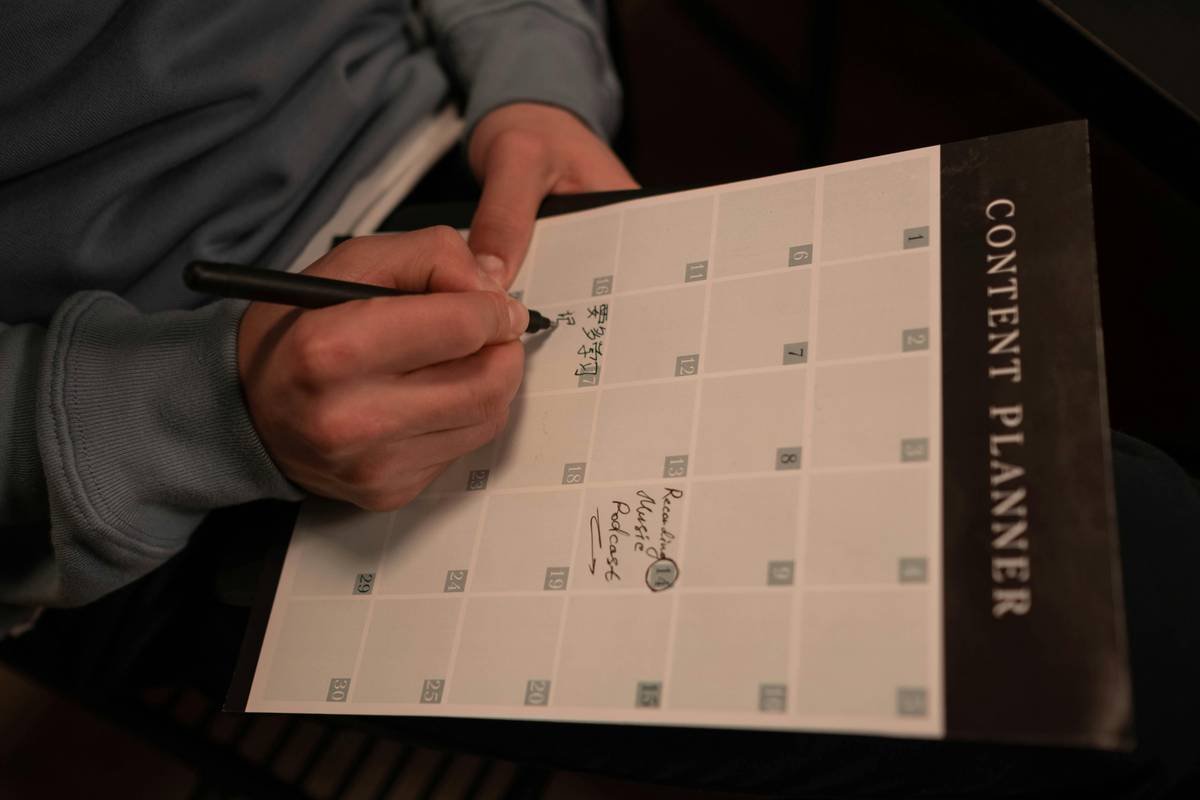
How to Build a Living Strategy Calendar That Adapts
Forget “posting schedules.” Build a living strategy calendar—one that breathes with your audience and pivots with purpose.
Step 1: Anchor to Business Objectives (Not Just Hashtags)
Ask: “What should this month’s social efforts achieve?” Brand awareness? Lead gen? Community trust? Map each week to a specific goal. Example:
- Week 1: Drive webinar sign-ups → LinkedIn carousels + Instagram Story CTAs
- Week 2: Boost UGC → TikTok challenge + repurposed testimonials
Step 2: Layer in Content Pillars & Flex Zones
Create 3–5 evergreen content pillars (e.g., “Behind-the-Scenes,” “Customer Spotlights,” “Industry Insights”). But reserve 30% of your calendar as “Flex Zones”—open slots for trending topics, newsjacking, or high-performing organic ideas.
Step 3: Batch with Buffer Time
Yes, batch-create—but never back-to-back. Schedule 2-hour creation blocks followed by 30-minute review buffers. Why? Sounds like your laptop fan during a 4K render—whirrrr—because you’re editing at 2 a.m. after skipping rest.
Step 4: Integrate Real-Time Triggers
Use tools like Google Alerts or Mention to flag relevant conversations. If your industry makes headlines, your Flex Zone activates automatically. No more missing moments.
Optimist You: “Follow these steps for a flawless flow!”
Grumpy You: “Ugh, fine—but only if coffee’s involved and I can skip the ‘inspo quote’ reels.”
5 Proven Best Practices for Your Strategy Calendar
- Color-code by platform AND intent. Blue = educational (LinkedIn), Red = entertaining (TikTok). Visual scanning saves hours.
- Link every post to a KPI. Not just “likes”—track link clicks, saves, or DMs. If it doesn’t move a metric, question its place.
- Pre-approve visual assets. Nothing kills momentum like waiting for legal to greenlight a meme.
- Sync with non-social teams. Product launches? Sales promos? Your calendar should mirror company-wide rhythms.
- Review every Friday for 20 minutes. Tweak next week based on what actually resonated—not what you thought would.
🚫 The Terrible Tip You Must Avoid
“Plan your entire year in January.” This is pure fantasy. Algorithms shift monthly (looking at you, Instagram). Audience interests pivot weekly. Locking in 12 months of content guarantees irrelevance by March. Don’t do it.
Rant Section: My Pet Peeve
Why do so many “experts” sell $297 calendar templates packed with fluff like “Monday Motivation” and “Throwback Thursday”? Unless your business goal is nostalgia bingo, stop forcing arbitrary themes. Your audience cares about value—not your obsession with alliteration.
Real Case Study: How Brand X Doubled Engagement in 8 Weeks
A B2B SaaS client came to us drowning in inconsistent posting and zero strategic alignment. Their old “calendar” was a chaotic spreadsheet updated ad hoc.
We implemented a living strategy calendar with:
- 3 content pillars tied to buyer journey stages (Awareness, Consideration, Decision)
- Weekly Flex Zones for LinkedIn trend commentary
- Bi-weekly performance syncs to prune underperformers
Result? In 8 weeks:
- Engagement rate jumped from 1.8% → 3.9%
- Qualified inbound leads increased by 63%
- Team stress levels dropped (measured via anonymous survey)
The secret? Treating the calendar as a living dashboard—not a graveyard of good intentions.
Strategy Calendar FAQs
What’s the difference between a content calendar and a strategy calendar?
A content calendar lists what to post and when. A strategy calendar explains why—tying every post to a business objective, audience need, or performance insight.
How far in advance should I plan my strategy calendar?
Max 4–6 weeks. Outline broad themes quarterly, but detail weekly. Per Hootsuite’s 2024 Social Trends Report, 72% of top-performing teams plan ≤30 days out to stay agile.
Can I use free tools for my strategy calendar?
Absolutely. Notion, Airtable, or even Google Sheets (with color coding!) work if you build in feedback loops. Paid tools like CoSchedule shine for teams needing approval workflows.
How often should I revise my strategy calendar?
Formally every 4 weeks. Informally? Every Friday. Check analytics, scan comments, note emerging trends—and adjust.
Conclusion
Your strategy calendar shouldn’t be a prison of pre-planned posts. It’s your command center for relevance, rhythm, and results. Ditch the static spreadsheets. Embrace flexibility. Anchor to goals—not gimmicks. And remember: consistency without strategy is just noise.
Now go build a calendar that works as hard as you do—without burning you out.
Like a Tamagotchi, your strategy calendar needs daily care—or it dies quietly in your notifications.
Autumn leaves fall,
Calendar breathes with the feed—
Engagement blooms.