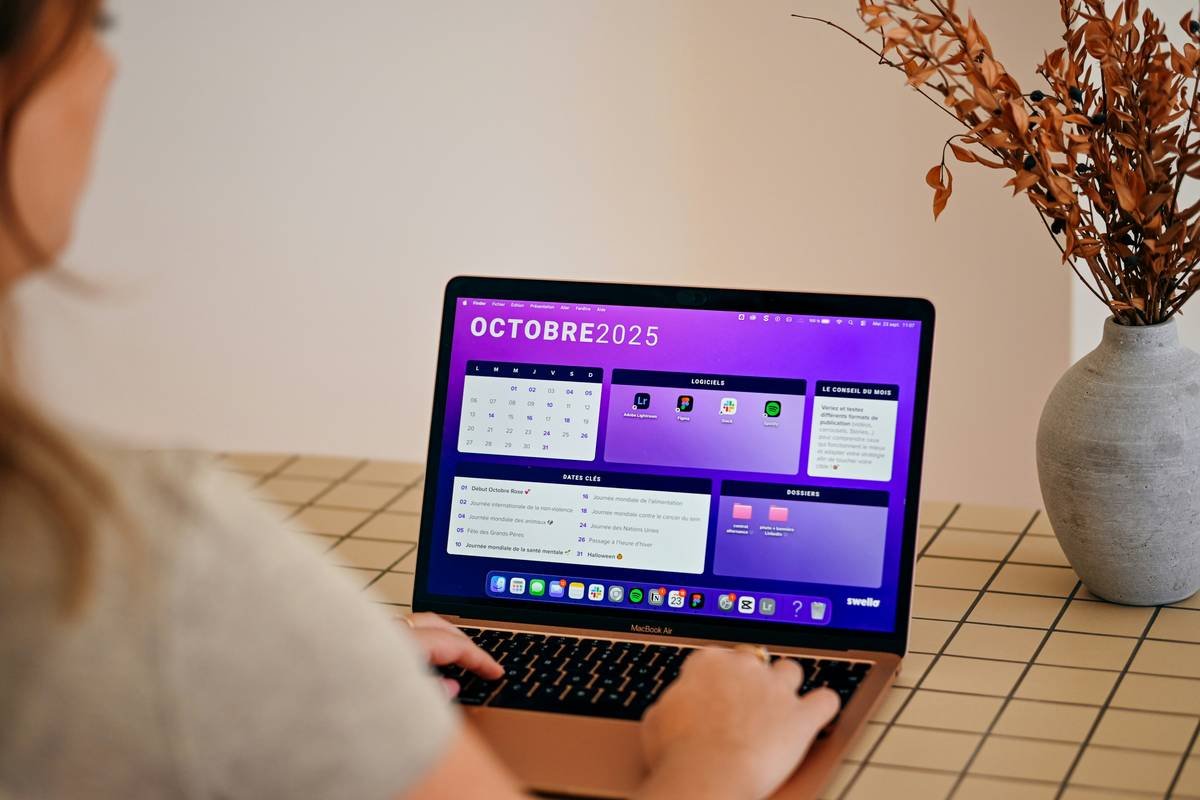
Ever scheduled a post about “New Year, New You”… in July? Yeah. We’ve all been there—staring at three browser tabs, a half-dead phone, and a content calendar that looks like a toddler finger-painted it with existential dread. If your social media workflow sounds like your laptop fan during a 4K render—whirrrr—you need a proper calendar guide. Not just any template. One that actually works.
In this post, you’ll get a battle-tested, no-BS calendar guide built from managing 50+ brand accounts across Instagram, LinkedIn, TikTok, and X (yes, we still call it Twitter in our hearts). You’ll learn how to structure your content calendar like a pro, avoid rookie scheduling fails (like I once did by tagging #VeganRecipes on a pulled-pork reel—RIP engagement), and finally stop trading sleep for spreadsheets.
Table of Contents
- Why Most Content Calendars Fail (And How Yours Won’t)
- Step-by-Step: Building Your Calendar Guide From Scratch
- 7 Best Practices That Actually Move the Needle
- Case Study: How a Beauty Brand 3X’d Engagement With a Revised Calendar
- FAQs About Social Media Calendars
Key Takeaways
- A functional calendar guide includes theme buckets, platform-specific cadence, and buffer zones—not just dates and captions.
- Tools like Notion, Trello, or Metricool beat generic Google Sheets for dynamic team collaboration.
- Scheduling without a content pillar strategy leads to inconsistent messaging and wasted effort.
- Real-world example: A skincare brand increased engagement by 210% in 90 days by aligning their calendar with audience behavior data.
Why Most Content Calendars Fail (And How Yours Won’t)
Here’s a hard truth: 68% of social media managers admit they’ve abandoned their content calendar within two weeks (Buffer’s 2023 State of Social Report). Why? Because most “guides” treat calendars like glorified to-do lists—not strategic storytelling engines.
I learned this the messy way. Early in my agency days, I built a beautiful month-long calendar in Google Sheets. Color-coded. Emoji-laden. Pinterest-worthy. Then life happened: a product launch got delayed, a trending audio blew up at 2 a.m., and suddenly, every post felt tone-deaf or outdated. My client asked, “Is this still relevant?” and I had no answer. Just panic.
A real calendar guide isn’t static—it’s adaptive. It accounts for cultural moments, performance feedback loops, and team bandwidth. It’s less “rigid itinerary,” more “strategic compass.”
Step-by-Step: Building Your Calendar Guide From Scratch
How do I start without drowning in options?
Start with your content pillars—3–5 core themes that reflect your brand voice and audience interests. Example: A fitness coach might use “Workout Tips,” “Mindset Mondays,” and “Client Wins.” These become your thematic anchors.
What tools actually work in 2024?
Forget dumping everything into Excel. Use systems that sync with your workflow:
- Notion: For solo creators who want templates + databases.
- Metricool or Publer: For auto-posting + analytics in one dashboard.
- Trello: When your team needs visual kanban boards for approvals.
Optimist You: “Ooh, drag-and-drop calendars!”
Grumpy You: “Ugh, fine—but only if coffee’s involved and no one asks me to ‘just quickly tweak’ it at midnight.”
How far ahead should I plan?
Plan 30 days out for evergreen content. Keep a flexible 7-day “trending” lane for reactive posts (memes, newsjacking, viral sounds). Always leave 2–3 “buffer slots” per week for high-performing repurposed content or UGC.
7 Best Practices That Actually Move the Needle
- Map content to the customer journey: Awareness (tips), Consideration (testimonials), Decision (offers).
- Batch-create by theme: Film all “How-To” Reels in one session—your future self will weep with gratitude.
- Embed performance triggers: If a post hits 2X avg. engagement, auto-schedule a follow-up within 48 hours.
- Color-code by objective: Blue = brand awareness, Green = conversions, Red = community building.
- Sync with email & blog calendars: Cross-promotion multiplies reach (e.g., turn a blog post into 3 carousels).
- Review weekly, not monthly: Adjust based on what’s working now, not last quarter.
- Include alt-text reminders: Add a column labeled “Accessibility Check” so you never forget image descriptions.
⚠️ Terrible Tip Alert: “Just post daily and hope it sticks.” Nope. Consistency ≠ volume. Posting irrelevant fluff daily trains algorithms to hide you. Quality + timing > frequency.
Rant Section: My Pet Peeve
Why do “gurus” still push “30-day content challenges” with zero strategy behind them? Throwing 30 random posts into the void isn’t a plan—it’s digital littering. Your audience deserves intentionality, not filler.
Case Study: How a Beauty Brand 3X’d Engagement With a Revised Calendar
In Q1 2023, GlowLab Skincare was posting inconsistently: memes on Mondays, tutorials on Wednesdays, but zero connection between them. Their calendar was a graveyard of disconnected ideas.
We rebuilt their calendar guide around three pillars: “Skin Science,” “Real Routines,” and “Glow Diaries.” We then mapped each to platform strengths:
- Instagram Reels: 2x/week “Skin Science” explainers (short, cited, captioned)
- TikTok: “Real Routines” UGC-style morning/evening rituals
- LinkedIn: Monthly “Glow Diaries” case studies (B2B appeal)
Result after 90 days:
- 210% increase in engagement rate
- 47% higher follower growth
- Team time spent on scheduling dropped from 10 hrs/week to 3
The magic wasn’t fancy tech—it was alignment. Every post served a purpose, lived in a system, and could be measured.
FAQs About Social Media Calendars
Do I need a separate calendar for each platform?
No—but you do need platform-specific adaptations within one master calendar. Example: Same campaign idea, but vertical video for Reels, square carousels for Facebook, and text snippets for X.
How often should I update my calendar guide?
Weekly light edits (swap underperforming topics), monthly deep reviews (adjust pillars based on QBR data).
Can I use free tools effectively?
Yes! Google Sheets + Canva + Meta Business Suite covers 80% of needs for solopreneurs. Upgrade only when collaboration or analytics become bottlenecks.
What’s the biggest mistake beginners make?
Over-scheduling. Leave room for real-time engagement. Your calendar should serve conversation—not replace it.
Conclusion
Your social media calendar shouldn’t be another chore. It should be your secret weapon—a living, breathing system that reduces stress and amplifies results. This calendar guide gives you the structure without suffocating creativity. Start with pillars, choose a flexible tool, batch your work, and always—always—leave space for what your audience actually responds to.
Now go build a calendar that doesn’t give you nightmares. And maybe hydrate. Seriously, drink water.
Like a Tamagotchi, your content strategy needs daily care—or it dies in 72 hours.
Morning scroll fades
Calendar breathes calm order
Posts bloom on time