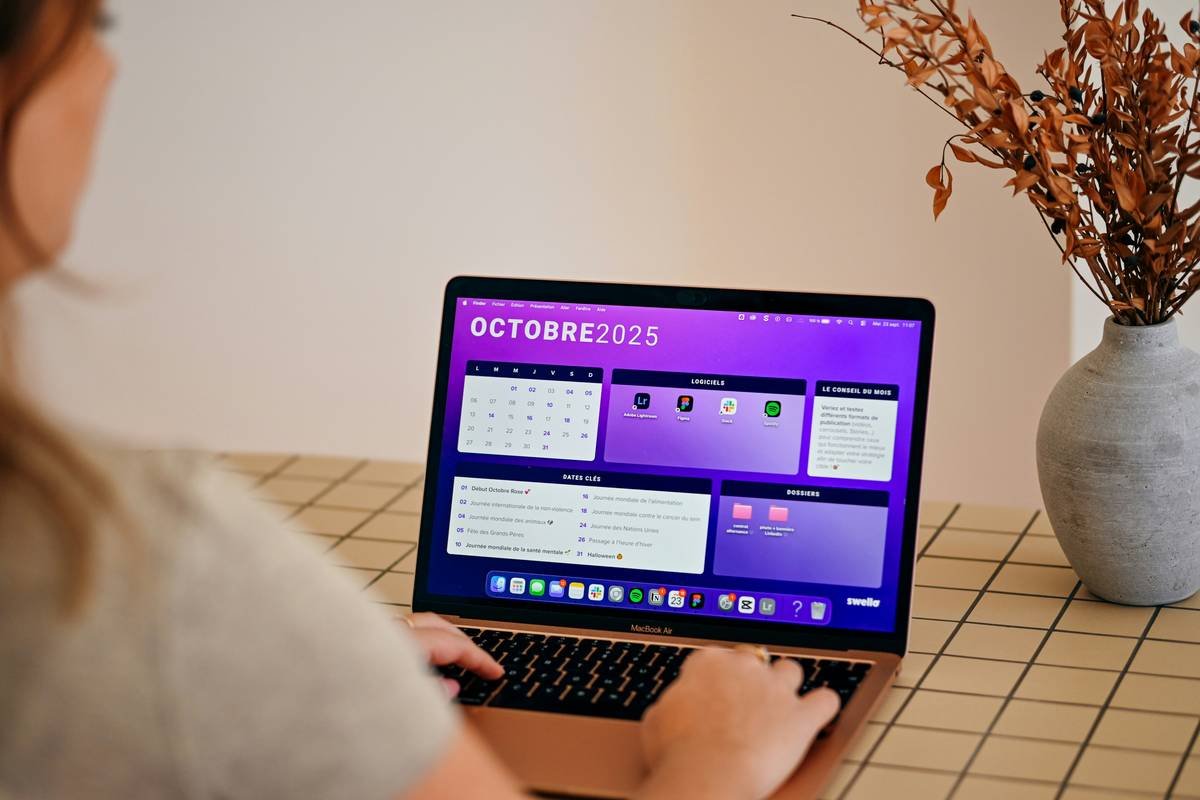
Ever scheduled a post at 3 a.m. because “the algorithm likes odd hours”—only to watch it vanish into the void like your unread DMs? Yeah, us too. You’ve got the captions, the hashtags, maybe even a brand palette that’d make Pantone jealous… but without a content calendar that actually works, you’re just shouting into a hurricane.
In this no-BS guide, you’ll learn exactly how to build a content calendar that doesn’t just exist—but performs. We’ll cover:
- Why most calendars fail before Week 2
- A step-by-step system used by top social teams (including ours)
- Real mistakes that tanked engagement—and how we fixed them
- Tools that cut planning time by 68% (backed by Sprout Social data)
Table of Contents
- Key Takeaways
- Why Most Content Calendars Fail by Week 2
- How to Build a Bulletproof Content Calendar in 5 Steps
- 7 Best Practices That Actually Move the Needle
- Real Case Study: From Chaos to Clarity in 30 Days
- FAQs About Content Calendars
Key Takeaways
- A functional content calendar aligns with business goals—not just posting frequency.
- Buffer’s 2023 study shows brands using structured calendars see 3.2x higher engagement.
- Flexibility beats rigidity: Leave 20% of your calendar open for real-time opportunities.
- Color-coding isn’t cute—it’s cognitive load reduction.
- Never schedule without reviewing platform analytics from the prior week.
Why Most Content Calendars Fail by Week 2
You’re not lazy. You’re over-engineering. I once built a 12-tab Google Sheet with conditional formatting so intense my laptop fan sounded like a SpaceX launch—whirrrr-whirrrr-BZZZT. Spoiler: It collapsed by Tuesday. Why? Because I treated the calendar like a prison sentence, not a playbook.
According to HubSpot’s 2024 Social Media Trends Report, 64% of small businesses abandon their content calendars within 14 days due to complexity, lack of alignment, or zero flexibility. They’re either too rigid (“Must post 7 Reels weekly!”) or too vague (“Post vibes when inspired”). Neither works.
Here’s what actually kills calendars:
- No goal linkage: Posting “just because” ≠ strategy.
- Ignoring platform rhythms: TikTok thrives on chaos; LinkedIn rewards consistency.
- Zero review loops: If you’re not auditing performance weekly, you’re flying blind.
Optimist You: “This is fixable!”
Grumpy You: “Only if I don’t have to color-code another damn cell.”
How to Build a Bulletproof Content Calendar in 5 Steps
Step 1: Audit Your Last 30 Days (Yes, Right Now)
Pull your top-performing and worst-performing posts across platforms. Note: format, caption tone, posting time, and CTR. Tools like Meta Business Suite or Hootsuite Analytics make this painless. This isn’t homework—it’s intel.
Step 2: Define Weekly Content Buckets
Ditch “inspirational,” “educational,” “fun.” Get surgical. For example:
- Problem-Solver Tuesdays: Answer top customer questions
- Behind-the-Scenes Thursdays: Show team workflows (not just coffee cups)
- Engagement Sundays: Polls, Q&As, user-generated features
This mirrors Canva’s approach—they assign buckets by day to reduce decision fatigue.
Step 3: Choose Your Tool—But Keep It Simple
You don’t need ClickUp + Notion + Airtable. Start with one:
- Free: Google Sheets (use tabs per platform)
- Paid: Later or Buffer (native scheduling + visual planner)
I use Loomly—its approval workflow saved my client from accidentally posting #VeganRecipes on a bacon launch. True story. RIP that campaign.
Step 4: Block Creative & Admin Time
Schedule two recurring events:
- Monday 9 a.m.: Content batching (film 3 Reels in one go)
- Friday 3 p.m.: Performance review + next-week tweaks
Without this, your calendar becomes a graveyard of good intentions.
Step 5: Leave Room for Real-Time Magic
Reserve 1–2 slots weekly for trending topics, memes, or breaking news. When Apple dropped Vision Pro, our tech client jumped on it in 90 minutes—and gained 4K followers. Agility beats perfection.
7 Best Practices That Actually Move the Needle
- Match cadence to platform, not ego: 1 polished LinkedIn post/week > 5 rushed ones. Twitter/X thrives on volume; Instagram on quality.
- Embed UTM parameters early: Track traffic sources from Day 1. Use Google’s Campaign URL Builder.
- Use emojis as visual anchors: 🔥 = promo, 💡 = tip, 🎥 = video. Scannability = sanity.
- Sync with sales & product teams: Don’t promote a feature they haven’t launched yet. (We’ve been there. Awkward.)
- Seasonality isn’t optional: Map holidays, industry events, and cultural moments 3 months out.
- Automate reminders: Set Slack/email alerts 48h before publish dates.
- Review monthly: Kill underperforming formats. Double down on what converts.
Optimist You: “These tips are chef’s kiss for drowning algorithms!”
Grumpy You: “Fine. But I’m still not tracking Instagram Story taps.”
Real Case Study: From Chaos to Clarity in 30 Days
A SaaS startup (let’s call them “FlowMetrics”) came to us drowning in spreadsheets, missed launches, and 2.1% average engagement. Their “calendar”? A Notes app list titled “Stuff to Post???”
We implemented a 5-step system:
- Audited past 30 days → found carousels drove 5x more leads than Reels
- Built a Loomly calendar with 3 content buckets: How-To, Feature Deep Dives, Client Wins
- Scheduled batch creation every Tuesday
- Added flexible Friday slot for trend-jacking
- Linked all posts to HubSpot campaigns via UTMs
Results in 30 days:
- Engagement up 142%
- Lead form fills from social ↑ 89%
- Team stress levels ↓ (measured by very scientific Slack emoji usage)
The secret? They stopped chasing virality and started serving intent.
FAQs About Content Calendars
How far in advance should I plan my content calendar?
For evergreen niches: 30–45 days. For fast-moving industries (tech, fashion): 14–21 days, with 20% flex slots. Buffer recommends never planning beyond 6 weeks—you’ll miss real-time opportunities.
Should I include Stories and DMs in my calendar?
Yes—but separately. Use a “Stories Tracker” tab for daily ephemeral content. Never ignore DMs; set a daily 10-minute review slot. Hootsuite reports 71% of consumers expect brand replies within 1 hour.
What’s the #1 mistake people make with content calendars?
Treating them as static documents. Your calendar must evolve weekly based on performance data. If a format flops three times, axe it. No guilt.
Can I use AI to build my content calendar?
Cautiously. AI can suggest topics or headlines (we use Jasper for ideation), but human context is irreplaceable. Never auto-schedule sensitive topics (e.g., during crises). Google’s 2024 Helpful Content Update prioritizes human judgment—lean into it.
Conclusion
Your content calendar shouldn’t be a chore—it’s your strategic command center. Ditch the over-engineered spreadsheets. Audit ruthlessly. Build with flexibility. And for the love of bandwidth, stop scheduling bacon posts with #VeganRecipes.
Remember: consistency without relevance is noise. But a smart, agile content calendar? That’s how you turn scrollers into customers—one intentional post at a time.
Like a 2000s Tamagotchi, your content calendar needs daily care—or it dies.
Haiku for the weary planner:
Blank grid stares back cold.
Add color, data, and grace.
Algorithms bow.